How to set reminders on WhatsApp, for you and for someone else
What WhatsApp can and can't do with reminders, the simple ways to remind yourself, and how to send reminders to someone else that they actually act on.
On this page
WhatsApp is where most of us already talk to family, so it's a natural place for reminders. But WhatsApp itself is built for conversations, not schedules. It can help you remember something, and it's getting a few reminder features, but on its own it can't send a reminder to someone else at a time you choose.
This guide explains what WhatsApp can do, the easy ways to remind yourself, and the options for reminding another person (a parent, a partner, a flatmate) so the reminder arrives when it should and you know whether it's been done.
Can you set a reminder on WhatsApp?
Sort of. WhatsApp has a few features that help you remember things, but none of them are a full reminders tool.
Message yourself. WhatsApp lets you open a chat with your own number and send yourself notes, links and to-do items. It's handy as a scratchpad, but it won't notify you later (Tom's Guide explains how).
Pin and star. You can pin an important chat to the top of your list, or star a message to find it again. Useful for "don't lose this", less so for "do this at 6pm".
"Remind me" on a message. WhatsApp has been testing an option to set a reminder about a specific message, so it pops back up after a few hours or at a time you choose (9to5Mac). Whether you see it depends on your phone and app version. Like a phone alarm, it reminds you, not the person you were talking to.
How to remind yourself (the easy ways)
If the reminder is only for you, you've got plenty of good options:
Your phone's reminders app
Reminders on iPhone or Google Tasks on Android. Set a time, and it pops up. Simple and free.
Your calendar
Best for appointments and anything with a place and time. Add an alert the day before and an hour before.
A note to yourself on WhatsApp
Good for capturing things quickly. Pair it with a phone reminder if it needs to happen at a set time.
A reminder that arrives as a message
Some services, including I'm OK, can send reminders to your own WhatsApp, with a Done button to tick off.
The best choice is whichever one you'll see. If you live in WhatsApp and ignore notification banners, a reminder that arrives as a WhatsApp message tends to get noticed.
How to remind someone else on WhatsApp
This is where it gets harder. Your phone's reminders app only reminds you. To get a reminder to someone else, at a set time, you've broadly got four options.
| Method | What happens | The catch |
|---|---|---|
| Set a reminder to message them yourself | Your phone reminds you, you send a WhatsApp | You have to be free at that moment, every time |
| A shared calendar event | They get a calendar alert | They need to use the same calendar and notice alerts |
| Phone automations (like Shortcuts on iPhone) | Your phone sends a message for you | Fiddly to set up, can need you to confirm, sends from your phone |
| A reminder service on WhatsApp | The reminder arrives on its own, at the time you set | They say yes once before the first one |
For one-off reminders, messaging them yourself is fine. For anything regular (daily tablets, weekly bins, monthly rent) the first two options quietly turn you into the reminder. That's when it starts to feel like nagging, for both of you.
What makes a good reminder for someone else
Whatever tool you use, these make a reminder far more likely to work:
- Say exactly what to do. "Take your blood pressure tablet" beats "Don't forget!".
- Pick a time that fits their day. With breakfast, after work, before bed. Not a time that suits you.
- Make it easy to reply. One tap is ideal. If they have to type a reply, many won't.
- Close the loop. You should be able to see it's done without asking. Otherwise you'll check, and checking is what feels like nagging.
- Agree it first. A reminder someone asked for is welcome. A surprise one can feel like being monitored.
How I'm OK does it
I'm OK is a reminder service that runs entirely on WhatsApp. Here's how a reminder for someone else works:
- You set it up. Message I'm OK on WhatsApp, or use your page on getimok.app. Choose who it's for, what it should say and when: once, every day, some days of the week, every month or every year.
- They say yes once. They get a short message from I'm OK explaining that you've set up a reminder, and tap Yes, remind me. Nobody gets reminders they haven't agreed to.
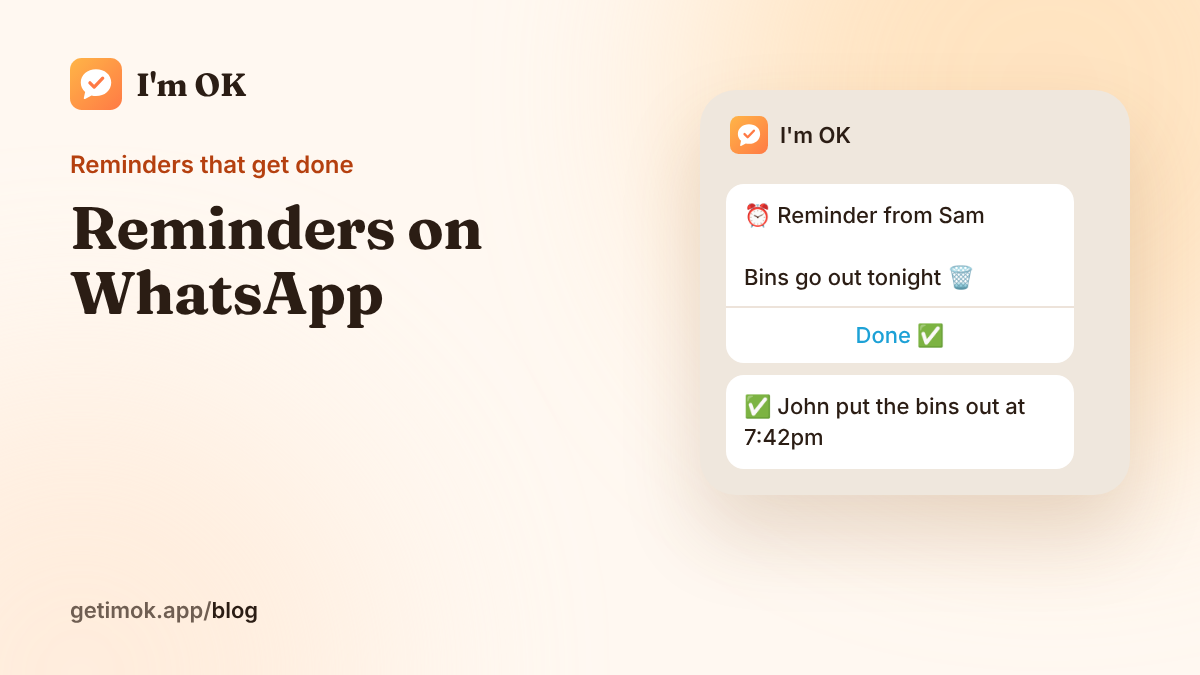
- The reminder arrives on their WhatsApp. At the time you chose, with a Done button.
- You know it's done. When they tap Done, you can see it on your page. If they don't, I'm OK lets you know, so you can check in.
You can also set reminders for yourself the same way. There's no app to install for either of you, and they can stop a reminder at any time.
On the free plan you can remind up to two people, one reminder a day each. Plus adds a message every time a reminder is done, a gentle nudge if they forget, and more people and reminders.
Ideas for reminders that are worth setting
A few that families use most:
- Medication: "Take your morning tablets 💊", every day at 9am.
- Appointments: "Dentist at 2pm today, leave by 1:30", once.
- Bins: "Bins go out tonight", every Tuesday evening.
- Money: "Rent is due tomorrow", every month.
- Home safe: "Let me know when you're home", on the evenings someone travels late.
For older parents in particular, see our guide on helping an ageing parent remember the important things.
Questions people ask
Can I schedule a WhatsApp message to send later?
At the time of writing, the standard WhatsApp app doesn't have a built-in way to schedule a message to someone else. Workarounds include phone automations or third-party tools, but they can be fiddly. A reminder service on WhatsApp sends reminders at a set time without you needing to be there.
Does WhatsApp have a reminder feature?
WhatsApp has been adding a "Remind me" option that brings a specific message back to your attention later, where available on your app version. It reminds you, not the other person in the chat, so it isn't a way to remind someone else.
How do I remind someone without them feeling nagged?
Agree the reminder with them first, make it specific and well timed, and let them reply with one tap. Most importantly, set it up so you can see it's been done without having to ask.
Do they need to download anything to get I'm OK reminders?
No. Reminders arrive in WhatsApp, which they already have. They just tap Yes once to agree to the reminder, then tap Done each time.
Can I set a reminder for myself on WhatsApp?
Yes, in a few ways: message yourself as a note, use WhatsApp's "Remind me" on a message where it's available, or use a service that sends reminders to your own WhatsApp at a time you choose, with a Done button.
Keep reading
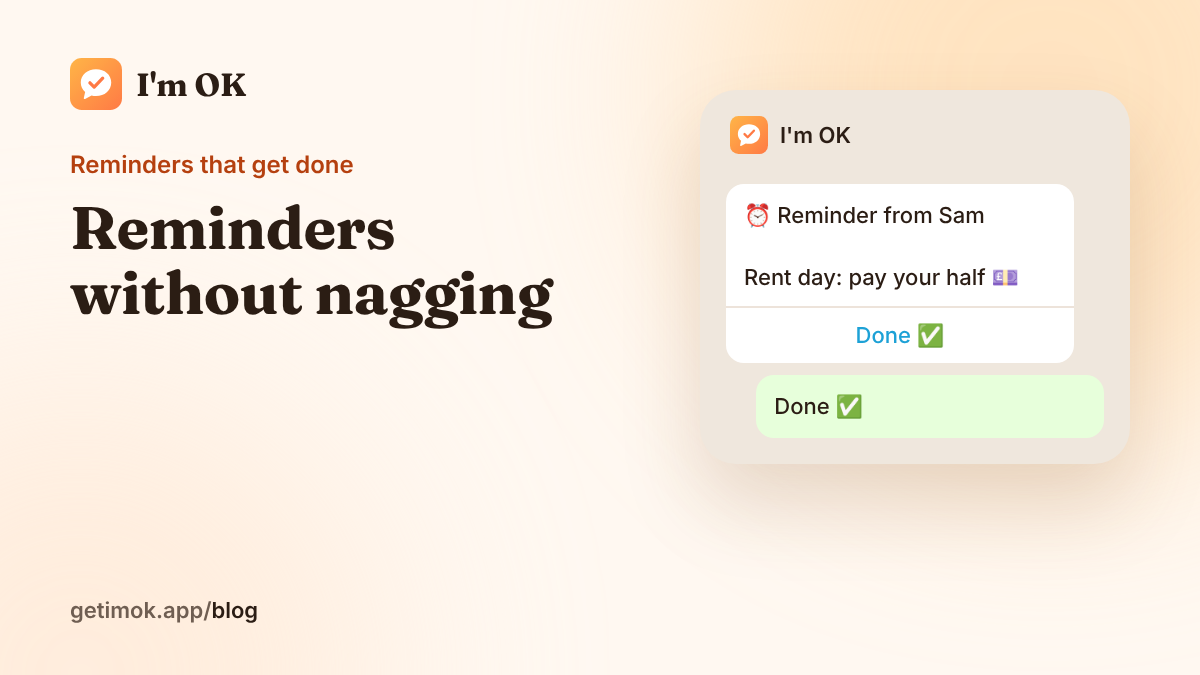
How to remind someone without nagging
How to remind your partner, parent or teenager without sounding like a nag. What makes reminders feel like care rather than criticism, with examples.
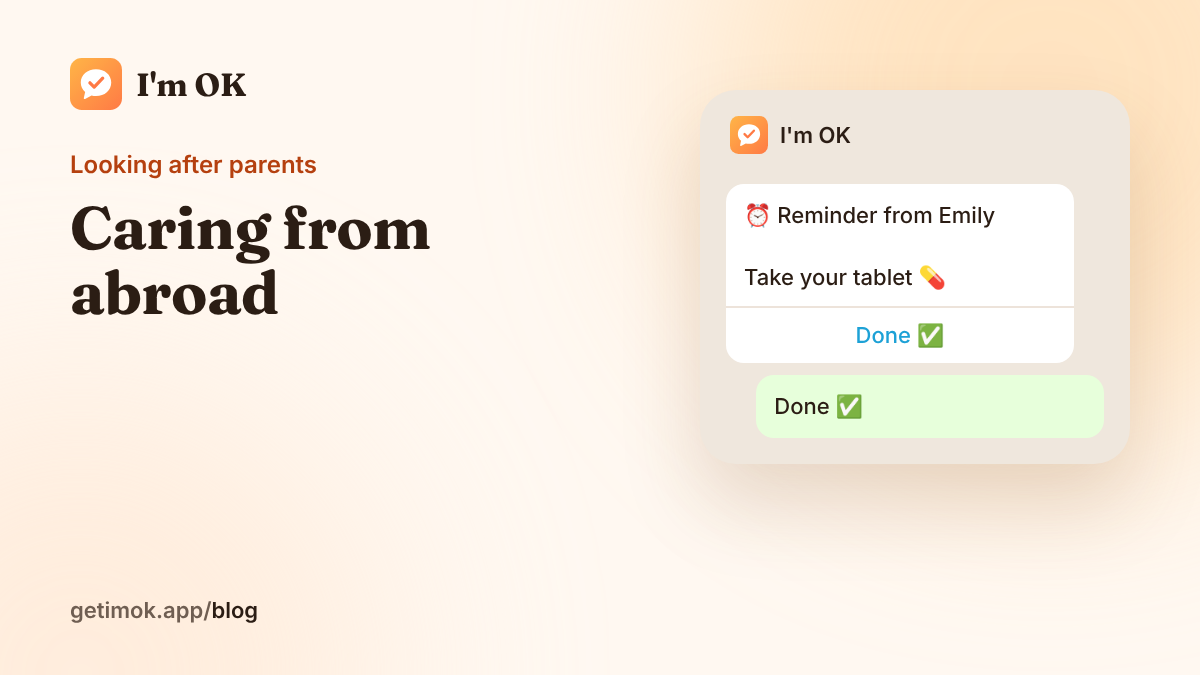
Caring for a parent from abroad
Living in a different country from your parents? Practical ways to stay involved, from a local support network and paperwork to daily signs that all is well.
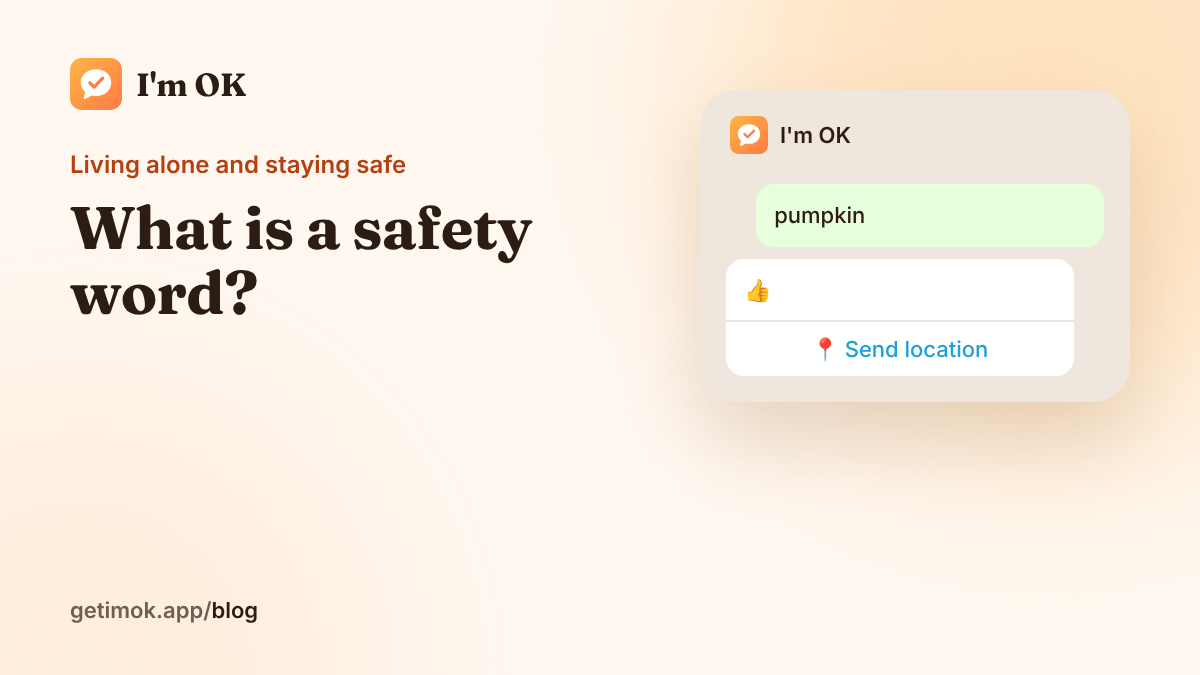
What is a safety word, and how do you use one?
A safety word is a secret word that tells the people you trust you need help, without anyone else knowing. How it works, when to use one, and how to set one up.